
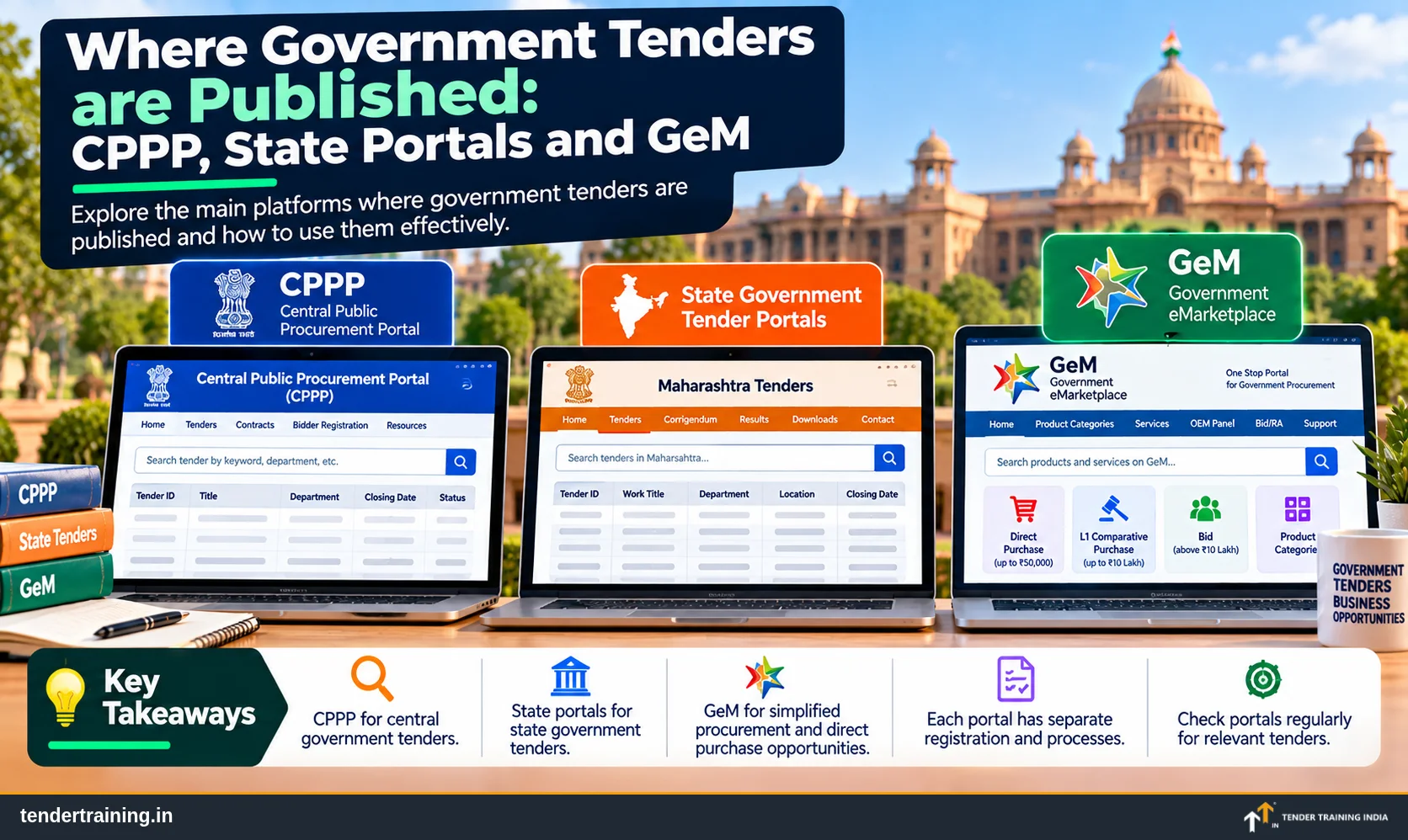
- GeM-CPPP — eprocure.gov.in/cppp: one central website where you can search most tenders in one place — central ministries, most state portals and GeM bids.
- Central eProcurement — eprocure.gov.in: where you bid for tenders of central ministries, departments and many central PSUs.
- State eProcurement portals: tenders of state departments, boards and local bodies — one portal per state.
- GeM — gem.gov.in: the Government e-Marketplace for goods and services, with listings, bids and reverse auctions.
- Some big buyers run their own portals — for example Indian Railways (IREPS) and defence (defproc.gov.in).
- Private tender search services (like Tender Tiger and Tender247) send you daily alerts from all these sources — useful, but paid.
- For eProcurement portals you need a Class 3 Digital Signature Certificate (DSC) to register and bid.
"Where do I find government tenders?" is the first question almost every new bidder asks. The good news: almost all government tenders are now online, and free to view. The challenge: they are spread across several portals. Knowing which buyer uses which portal saves you hours every week.
1. GeM-CPPP — one place to search most tenders
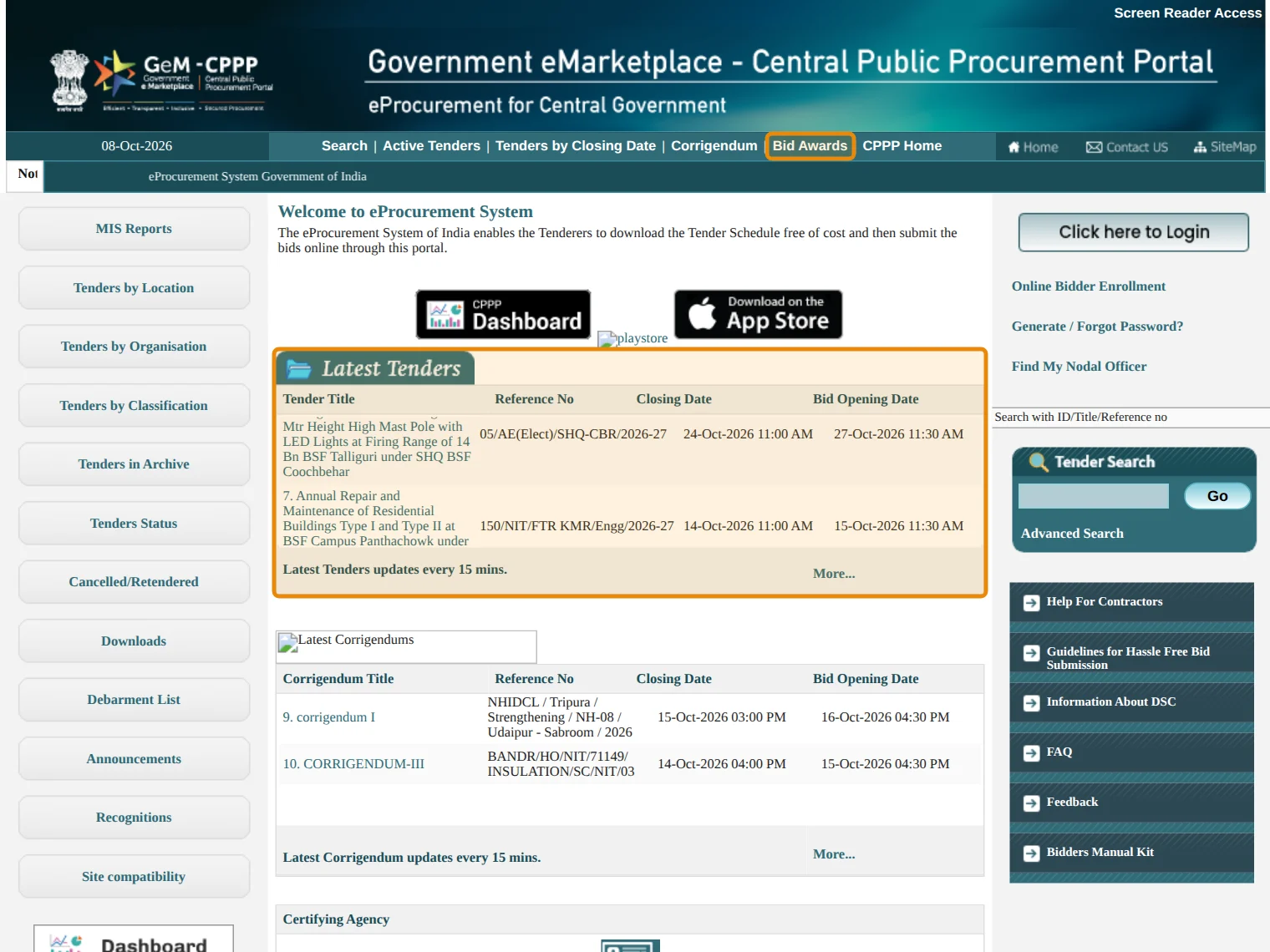
The Central Public Procurement Portal, now called GeM-CPPP (eprocure.gov.in/cppp), is meant to be a single window for tender information across the country. From one search box you can find:
- tenders of central ministries, departments and PSUs;
- tenders from state portals — most states and union territories run their eProcurement on NIC's software (GePNIC), and their tenders show up here;
- GeM bids — bids published on GeM are also listed on GeM-CPPP.
So if you are just starting, this is the best first stop: search your product once, and see central, state and GeM opportunities together.
Meena supplies steel almirahs in Nagpur. She searches "almirah" on GeM-CPPP and finds a central PSU tender, two Maharashtra tenders and a GeM bid from a Kendriya Vidyalaya — in one search, instead of checking three websites.
Bidding for central tenders: the Central eProcurement portal
eprocure.gov.in (eProcure) is where you register and bid for tenders of central government ministries, departments, attached offices, and many central PSUs. It runs on the eProcurement system built by NIC (National Informatics Centre).
2. State eProcurement portals
Every state has its own portal for state government departments, municipal corporations, zilla parishads, state PSUs and boards. Many use the same NIC software, so once you learn one, the others look familiar. Examples: Maharashtra (mahatenders.gov.in), and similar portals in every state — search "[state name] e-tender portal" to find yours.
3. GeM — Government e-Marketplace
gem.gov.in is where government buyers purchase common goods and services. It works differently from tender portals: sellers list products and services (which buyers can order directly or compare), and buyers also publish bids and reverse auctions.
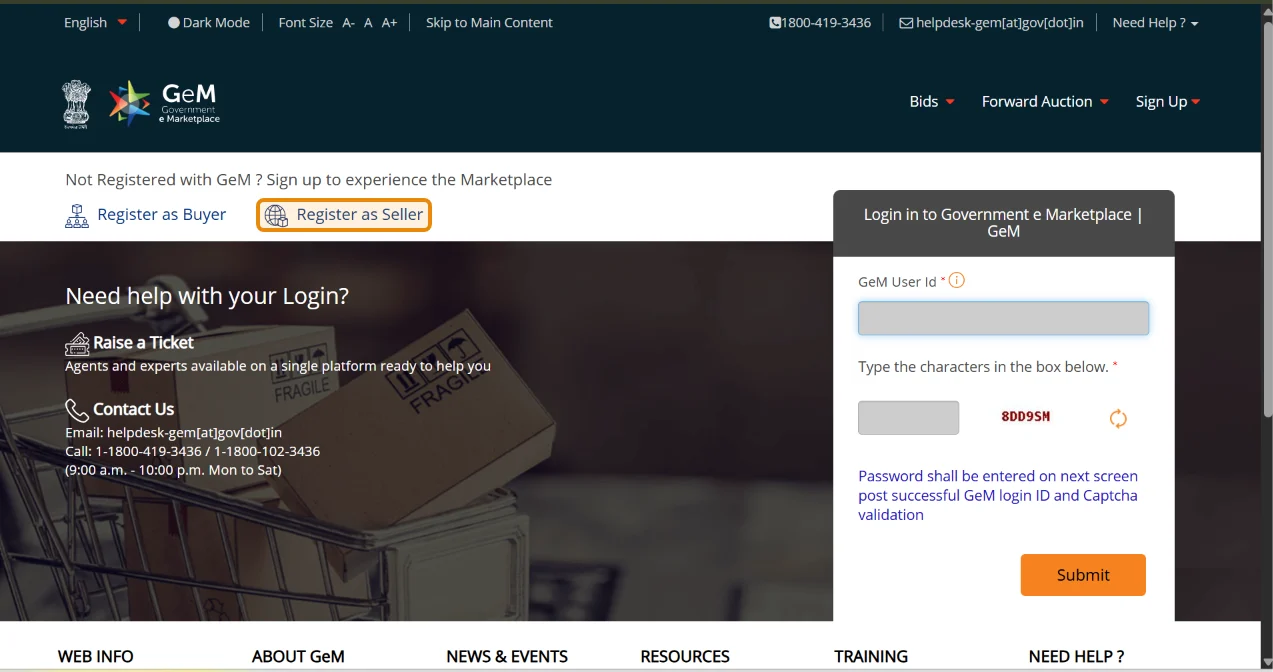
Open GeM bids can be browsed by anyone on the Bid Listing page (bidplus.gem.gov.in), with filters for product bids, service bids and bids that go to reverse auction.
4. Other important portals
| PORTAL | WHO PUBLISHES THERE |
|---|---|
| IREPS (ireps.gov.in) | Indian Railways — zones, divisions, workshops, for supply and works |
| Defence eProcurement (defproc.gov.in) | Ministry of Defence organisations |
| PSU portals | Many large PSUs (oil, power, steel, coal) run their own e-procurement sites — check the "Tenders" link on each PSU's website |
5. Private tender search services
Companies like Tender Tiger, Tender247 and others collect tenders from thousands of sources — government portals, PSU websites, GeM and even newspaper notices — and send you the ones that match your keywords and locations, every day, by email or WhatsApp.
| GOOD FOR | KEEP IN MIND |
|---|---|
| Saving time: one daily list instead of checking 10 portals | They are paid — plans usually run from a few thousand rupees a year upwards |
| Covering PSUs and departments with their own websites | They can miss tenders, or show them late — they are not the official source |
| Alerts by product, location and tender value | Always download the tender and corrigenda from the original portal, and bid there |
What you need to register
- For eProcurement portals (CPPP, state, defence): a Class 3 DSC (Digital Signature Certificate) in the name of the authorised person, plus your firm's details. Viewing and downloading tenders is free; the DSC is needed to enrol and submit bids.
- For GeM: seller registration with PAN, Aadhaar-linked mobile / authentication, bank details, GST and Udyam (if applicable), followed by vendor assessment for some categories.
How to find tenders for your product
- Start on GeM-CPPP: search your product keywords once to see central, state and GeM tenders together.
- On eProcurement portals, use Tenders by Classification or keyword search with words from your product — and synonyms (e.g., "almirah", "cupboard", "steel storage").
- Use Tenders by Location to focus on districts you can serve.
- On GeM's Bid Listing, search your item and filter by bid type.
- Check Bid Awards / past contracts to learn who wins and at what price.
- Make it a routine: 20 minutes every morning, same portals, same keywords — or let a paid alert service send you the list.
SOURCES · GeM-CPPP (eprocure.gov.in/cppp) home page and newsletters — single point access to tender information, GeM bids also shown, GePNIC used by 31 states / UTs; Central eProcurement portal (eprocure.gov.in). Checked October 2026.
Ask us on WhatsApp — we reply personally, usually the same day.
Ask on WhatsApp
Hiral Dron
Founder, Tender Training India · GeM Gold Certified · 15+ years in tendering, GeM and procurement advisory. Training MSMEs in government tendering since 2016.